

How to Import Diversity Calendar Data From Another Program or File Into Outlook
Here are step-by-step instructions on how to import your Diversity Calendar data from another program or file into Outlook.
Before starting, you need to save the CSV calendar file on your desktop or desired location.
1. Open Outlook > Click on File.
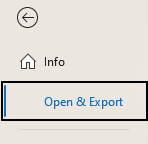
2. Click on Open & Export.
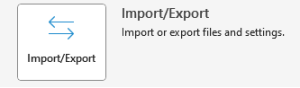
3. Click on Import/Export.
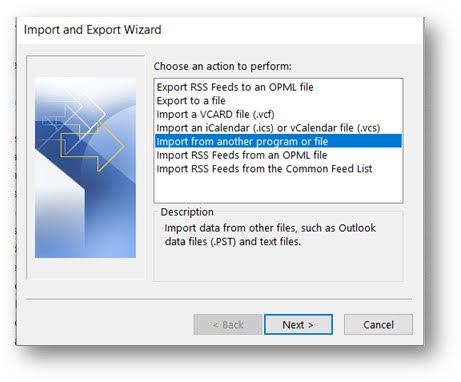
4. Select Import from another program or file.
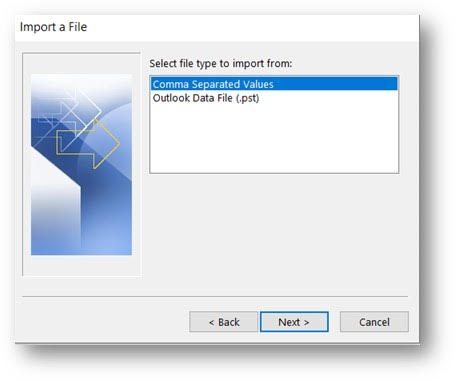
5. Select Comma Separated Values.
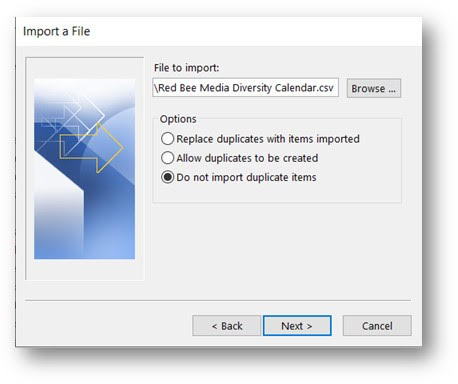
6. Click on Browse > Navigate to the location where you have saved the file CSV file and select it. Also, make sure the “Do not import duplicate items” is selected under Options.
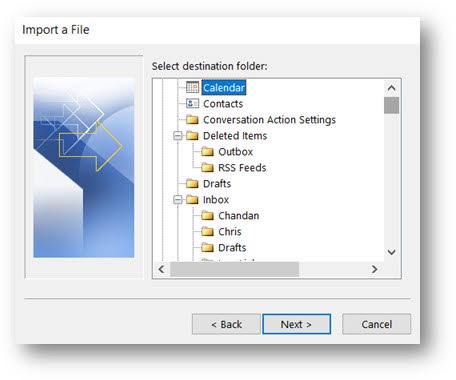
7. Select the calendar where you want to import the events.
8. Click on Finish