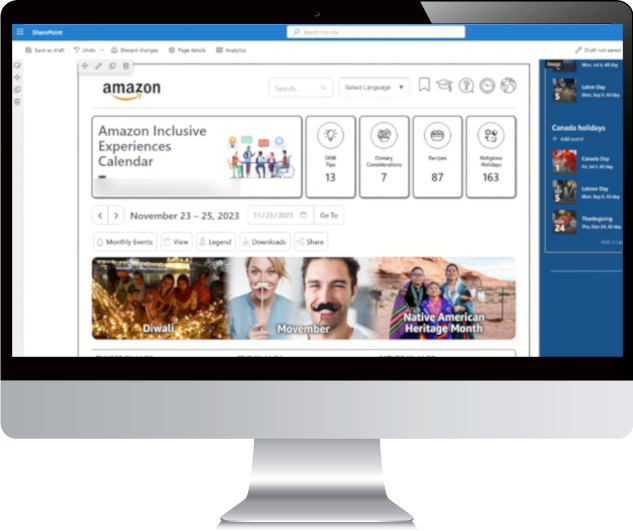
The Diversity Calendar can be integrated with Outlook, SharePoint and more.
Your subscription includes unlimited technical support, at no additional cost. You’ll be served by a customer success manager, whose expertise is Microsoft products. We’ve helped many subscribers add the Diversity Calendar and diversity events to Outlook, SharePoint and similar products.
Outlook (or Google/Apple Calendars)
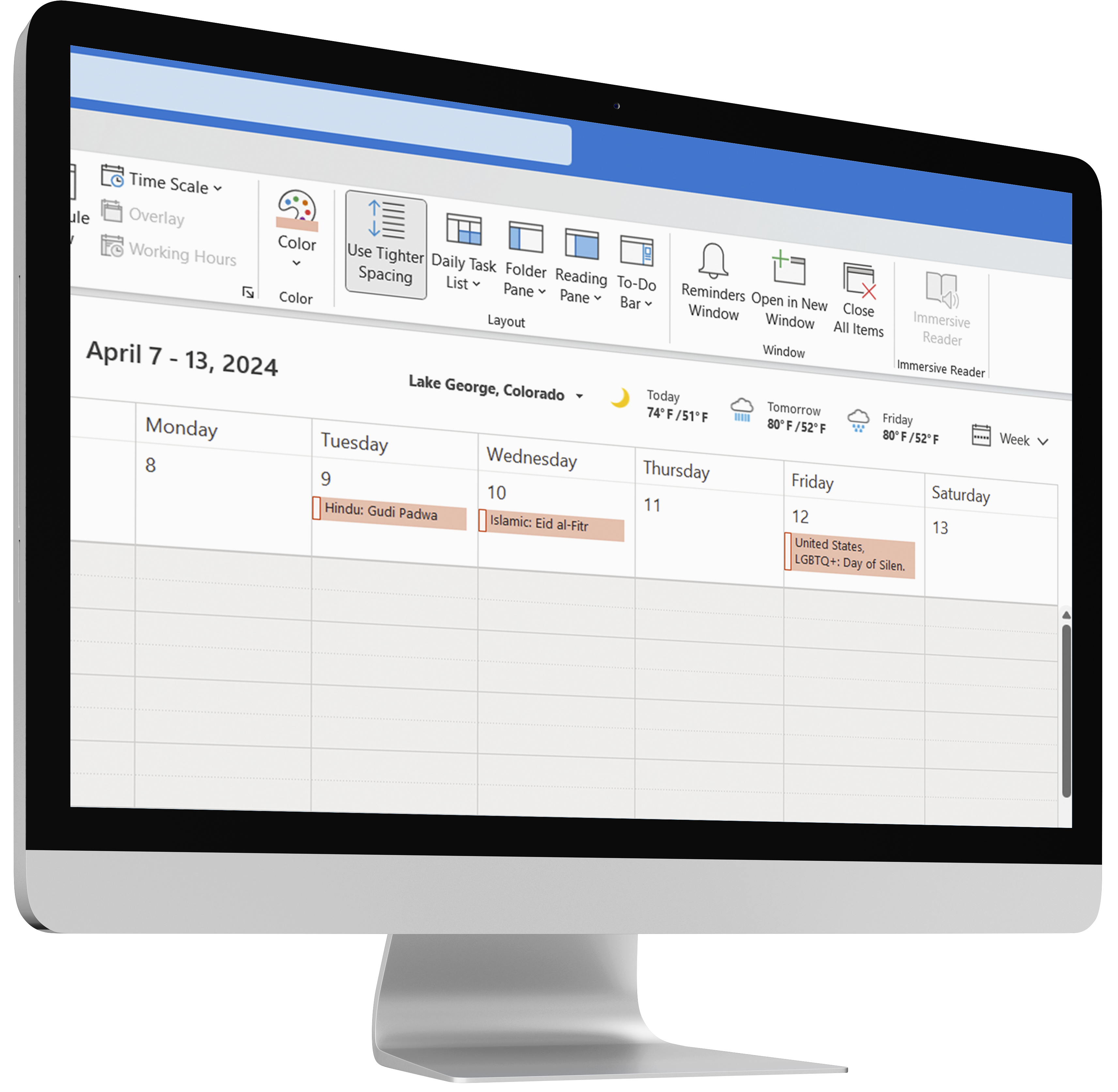
Diversity Calendar events can be added to your Outlook Calendar (or other primary calendar systems like Google or Apple). Diversity events are all-day events and thus do not interfere with workday scheduling.
There are two options:
Feed – Copy the ICS feed from your web-based calendar, then import it to Outlook. The feed option is ideal for individual employees and takes about 1 minute per employee. It’s also live: when new events are added to your web-based Diversity Calendar, they sync to your Outlook. With one click in Outlook, you can discover inclusion tips, dietary considerations, related links, and more.
File – We provide a 1-year file (CSV, Excel, and/or ICS) of diversity events of your choosing; create a shared Outlook calendar and import the events. Each event includes a name, type, date, and detailed event description. The file option is recommended for automatically sharing diversity events to all employee Outlook calendars, company-wide.
SharePoint
The Diversity Calendar can be integrated with SharePoint in 3 ways:
Full Embed: Use the iframe code to embed your Diversity Calendar (month view) into SharePoint. Click any event to open your web-based Diversity Calendar for event descriptions, additional information, etc.
Widget: Use the iframe code to embed a feed of upcoming events into your SharePoint. Click any event to open your web-based Diversity Calendar for event descriptions, additional information, etc.
SharePoint Calendar: Diversity events can also be added to SharePoint’s built-in calendar functionality by feed or file (see Outlook above).
For any questions, please email us.